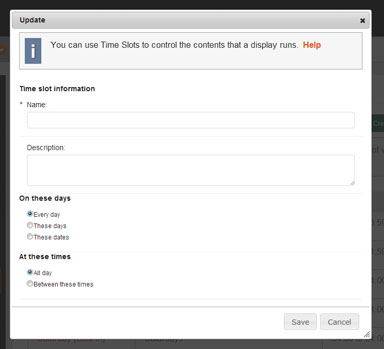
Often you want to show different Posters depending on the time of day, or the day of week, or on custom days.
To do this you can set up Time Slots for your Organisation. You can then use these slots as conditions in your Play Lists - e.g. “Only show these posters on Mondays”.
To edit your Time Slots go to Schedules -> Time Slots from the Left hand menu. From here you will see a list of all your Organisations Time Slots.
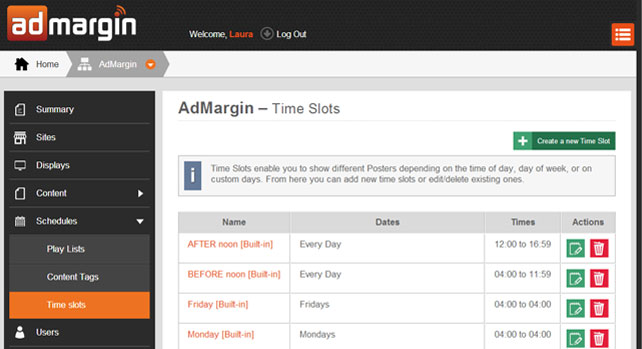
You can create new Time Slots or update existing ones, but you cannot delete Time Slots until you have removed them from any Play Lists that are using them.
To create a new Time Slot just click on the green "Create a New Time Slot" action button and complete the fileds within the pop-up dialogue box.