
What if you wanted to have different content running on your Displays but from the same Play List.
The AdMargin Manager makes this very easy.
We go to Schedules -> Play Lists from the Left hand menu and select your desired Play List.
Your Play List is made up of Playblocks. Create a new Playblock for the additional Posters you wish to only show on your Window Display.
To do this just click on the "Add Another Play Block" link which you'll find above and below your Play List.
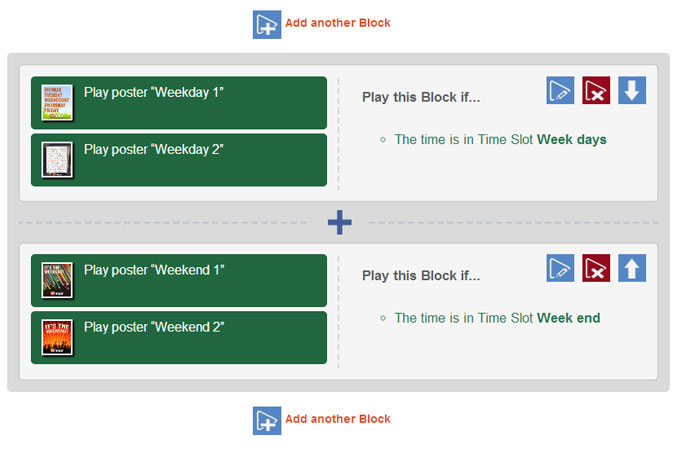
Once you have created your new Playblock with your selected Posters you can now add a Content Tag.
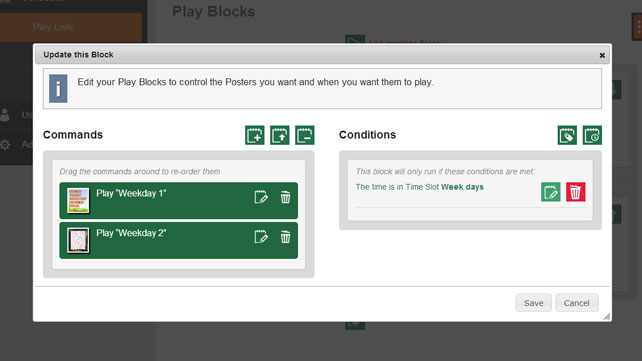
Click on the green "Add a Content Tag Condition" icon and from the first dropdown menu select - “Has One Of These Tags”, and then select "Window" from the second drop down menu. Press Save.
Now our Displays are running from the same Play List, but will show different content.