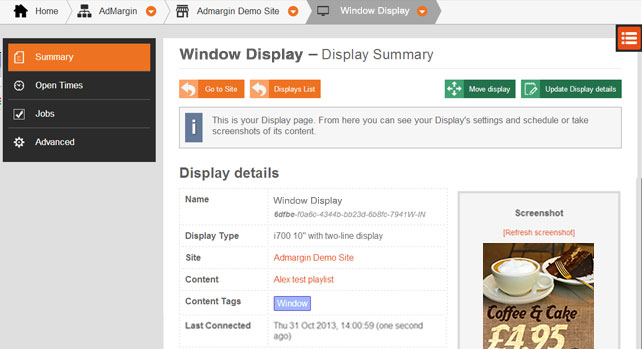
The most common way to control the Play List behaviour is by Content Tags. Every Display has content tags. In addition, Sites have content tags and the Displays inherit them.
For example - You have a Display that hangs in your shop window. We’re going to give it a ‘Window’ content tag.
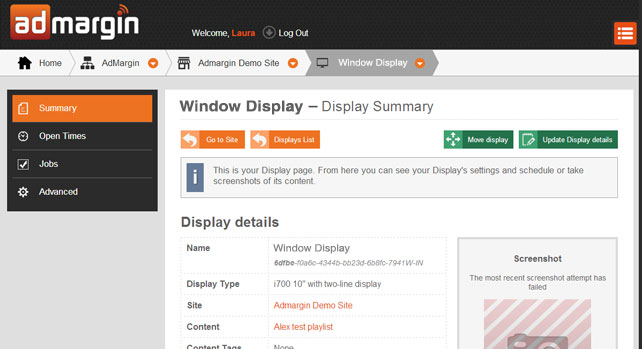
We go to the Displays screen, click on the Display that is in your shop window which will then open up the Display summary page then click ‘Update Display Details’.
A Pop-up dialogue bow will appear with an accordion style menu to choose from. Click on the Schedule tab and you will see three drop down menus.
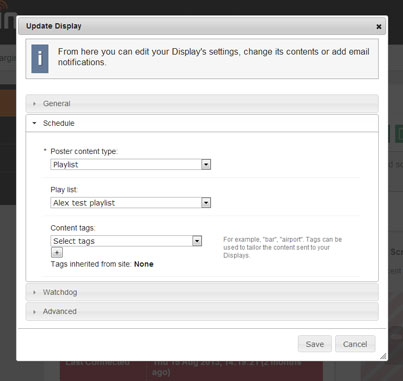
Click the ‘[+]’ button next to the Content Tags field and add your new tag, ‘Window’. Then we click ‘Create’ to save our changes.
Now in the Display Summary page we can see this new tag has been applied.